How to design AI reminders that help instead of nag
A useful reminder arrives with a reason, at a moment when someone can act. Everything else is noise competing for attention.

By Danish Khan
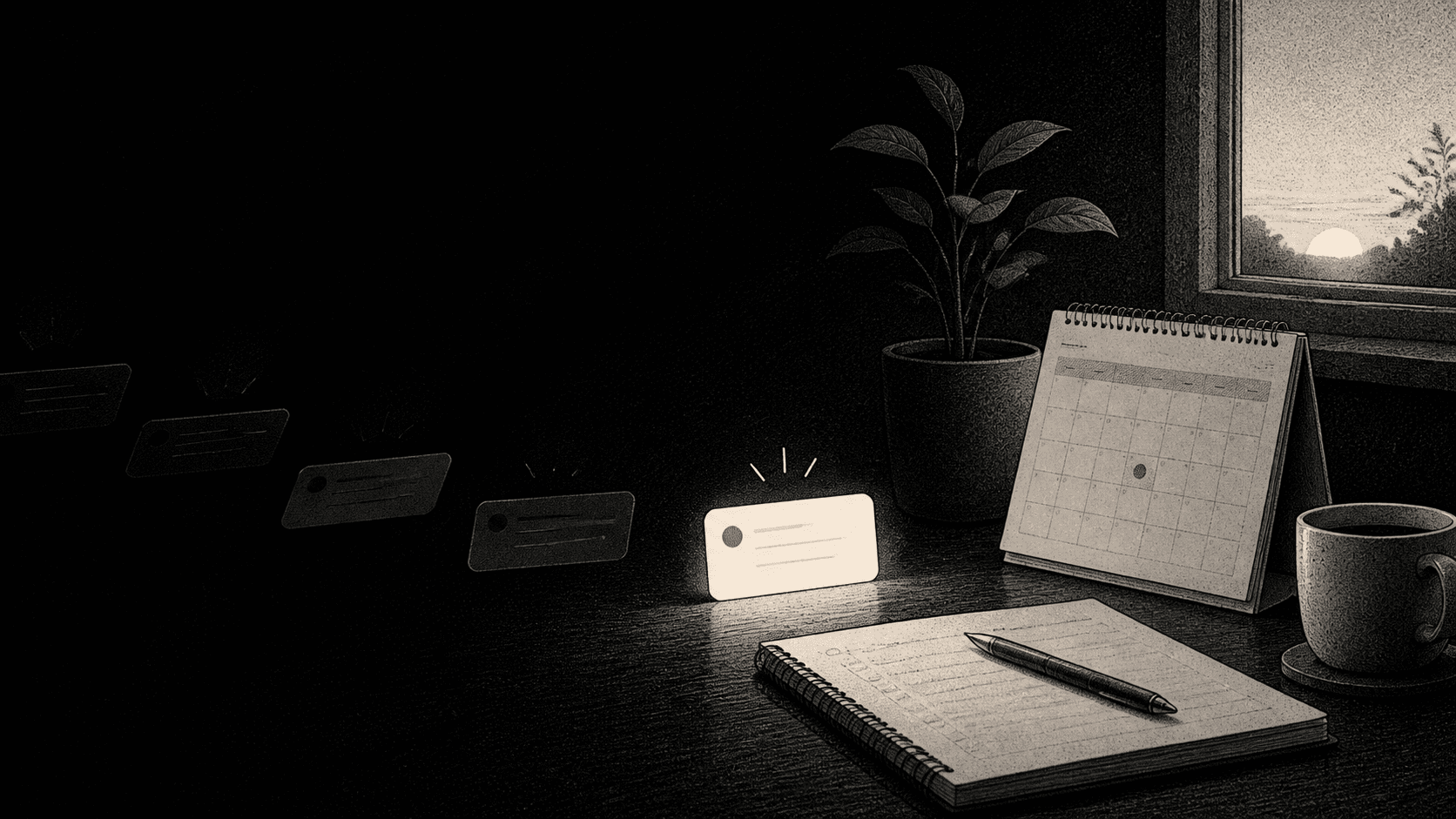
A reminder spends someone’s attention
Every reminder interrupts something. That makes it one of the easiest product features to abuse.
The question is not “Can the system send this?” It is “Would the person be glad this arrived now?” If the answer is unclear, the default should be quiet: show the information in the workspace, save it for a review, or let the user decide when to see it.
This matters even more with AI. When a system can see a calendar, tasks, and past conversations, it can generate many plausible prompts. Plausible is not the same as useful.
Start with an action that is worth taking
A strong reminder has a clear next move. “You have not used this feature lately” is an attempt to bring someone back to a product. “Your customer asked for a revised proposal before tomorrow’s call” is a prompt tied to work the person already cares about.
Material Design’s notification guidance is a useful baseline: notifications should not be the primary communication channel, frequent interruptions create irritation, and higher interruption levels should be reserved for time-critical information. That is a good discipline for any work product, not only mobile software.
Before sending a reminder, I would ask:
- Is there a specific action the person can take?
- Is the timing relevant to that action?
- Would delaying it create a real cost?
- Has the person asked to be notified this way?
If the system cannot answer those questions, the reminder belongs somewhere less intrusive.
Show why the reminder exists
An AI reminder should not feel psychic. It should make its reason visible.
For example: “You asked to follow up with Maya after Friday’s meeting. There is no task linked to the deal yet.” That sentence gives the person enough context to judge the suggestion. It also creates a correction path: the user may remember that the follow-up was already handled elsewhere, or that it no longer matters.
The explanation does not need to be long. It only needs to answer, “Why me, why now?”
Let people shape the system
People have different thresholds for interruption. One person may want a reminder immediately before a customer call; another may prefer a daily review of open follow-ups. The product should treat that as a preference, not a defect in the user.
Android’s notification documentation describes notification channels as a way for users to control notification behaviour. The underlying product lesson is simple: grouping and controls give people a way to decide what deserves their attention.
For an AI workspace, useful controls might include:
- a daily or weekly review instead of real-time alerts;
- a choice of which workspaces or projects can interrupt;
- a way to mute a category after it proves unhelpful;
- an easy “not now” option that does not erase the underlying task.
Make silence a deliberate product choice
The best reminder system sends fewer messages over time because it learns what a person finds useful. That learning should be based on clear feedback and preferences, not on hidden tricks to maximize clicks.
An AI-native workspace should help someone remember the things they chose to care about. It should not turn every possibility into a notification.
The design standard is modest: when the reminder appears, does it make the next useful action easier? If not, it should stay quiet.